

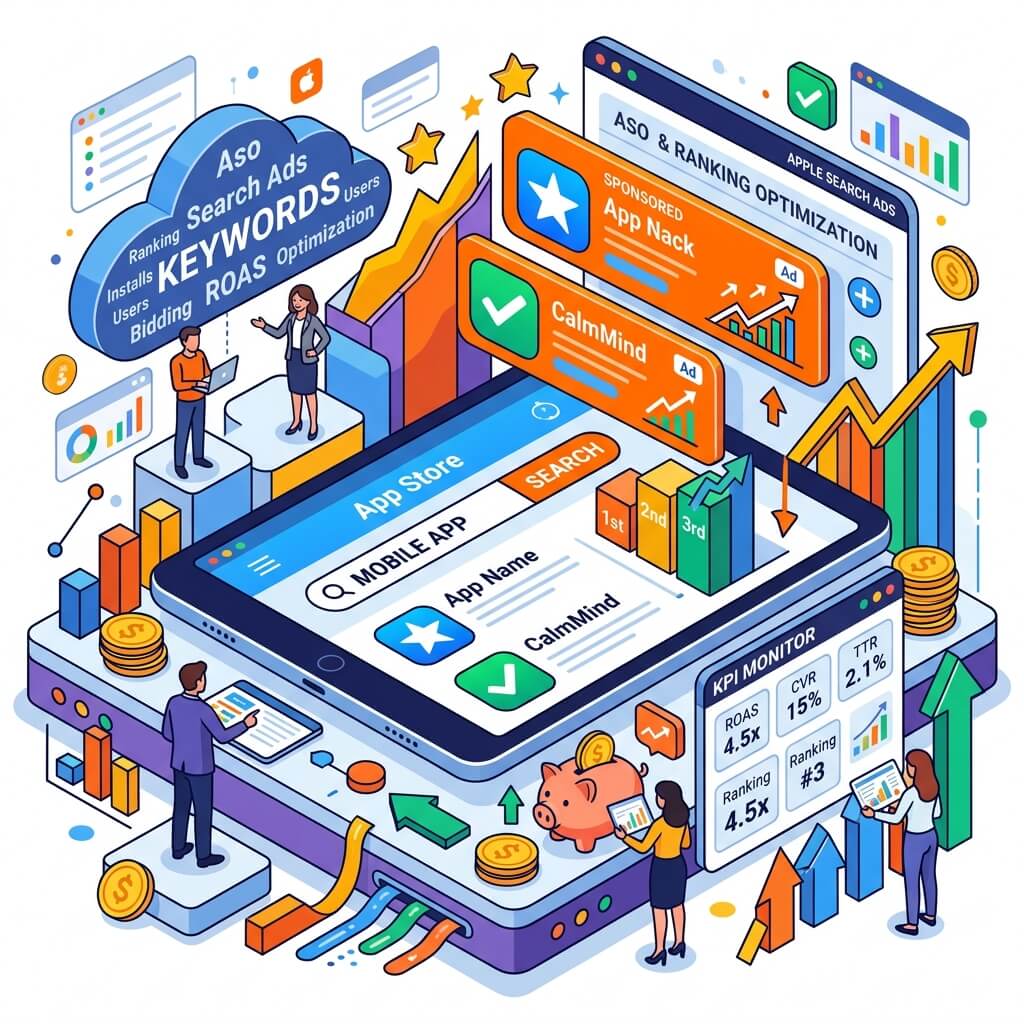
Over 1.8 million apps are on the App Store and 70% of users use App Store search to discover an app. The most effective way to stand out in this competitive environment: Apple Search Ads. This advertising platform powered by Apple's first-party data offers extremely precise targeting for iOS users. In this guide, we explain how to use Apple Search Ads most efficiently in 2026.
What is Apple Search Ads and Why Does it Matter?
Apple Search Ads (ASA) is Apple's official advertising platform that moves your app to the top of App Store search results and the Today tab. It's a powerful tool that supports your organic ASO (App Store Optimization) work. Why to choose it:
- High conversion rate: Users performing App Store searches have high download intent
- Apple first-party data: Privacy-compliant targeting independent of third-party cookies
- Low average CPA: More affordable acquisition cost compared to competing platforms like Google UAC and Meta
- High-quality users: iOS users show higher lifetime value (LTV) on average
- Easy start: Quick campaign setup with App Store Connect integration
Apple Search Ads Campaign Types
- Search Results Ads: Appearing at the top of results for specific keywords in the App Store. The most common and effective format.
- Today Tab Ads: Full-screen visual ad on the App Store homepage. Ideal for major launches and brand awareness.
- Search Tab Ads: Suggested app that users encounter when opening the search tab.
- Product Page Ads: Ads appearing on competitor or category application pages.
Keyword Strategy
The foundation of Apple Search Ads success is choosing the right keywords. For an effective keyword strategy in 2026:
- Brand keywords: Your app's name and brand terms — high conversion, low CPA
- Category keywords: General terms describing the problem your app solves
- Competitor keywords: Reaching users searching for competitor app names
- Discovery campaign: Finding new keywords with automatic targeting
- Negative keywords: Preventing budget waste by filtering out irrelevant searches
Keep Search Match enabled in Apple Search Ads: it analyzes your app's metadata to automatically show ads for relevant searches, uncovering keywords you haven't discovered yet.
Targeting: Apple's Privacy-Focused Approach
With Apple's ATT (App Tracking Transparency) policy, advertising has become increasingly privacy-focused. Apple Search Ads differentiates in this environment:
- Privacy-compliant demographic data linked to Apple ID
- Device type (iPhone, iPad) and OS version targeting
- Customer type: New users, existing users or returning users
- Location: Targeting by country, state and city
Budget Optimization and Performance Tracking
For maximum ROI in Apple Search Ads:
- Campaign structure: Set a clear objective for each campaign (acquisition vs. retargeting)
- Bidding strategy: Adjust bids according to target CPA; pause underperforming keywords
- Creative Set testing: Test different app screenshots and headlines
- Cohort analysis: Focus on retention rate and revenue metrics rather than download numbers

