

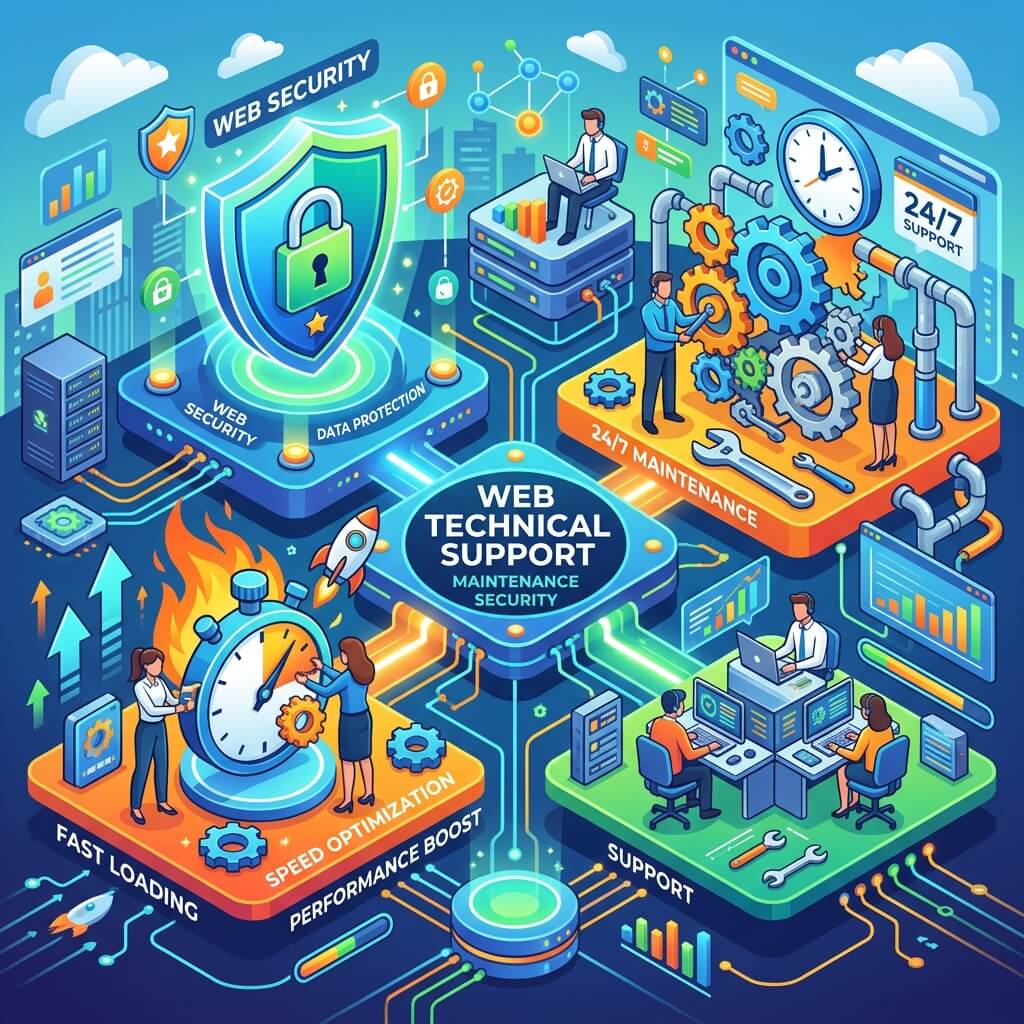
When a website goes live, the work doesn't end — it actually begins. Server crashes, plugin updates, security vulnerabilities, slowing page speeds, and Google algorithm changes are all dynamics that are extremely difficult to manage without dedicated technical support. 24/7 web technical support ensures your site runs at peak performance at all times and resolves potential issues before you even notice them.
The Difference Between Proactive and Reactive Technical Support
Reactive technical support kicks in after a problem occurs. The site is down, customers can't reach you, the phone is ringing — and only then does action begin. This model is both costly and devastating for reputation. Proactive technical support, by contrast, detects and resolves issues before they ever reach the user.
The proactive support model keeps your site under continuous supervision — covering regular security scans, performance monitoring, automated backups, and software updates. When a server resource hits a critical level, a disk starts filling up, or a suspicious login attempt is detected, the technical team intervenes — often before you even notice. This approach lowers cost and maintains business continuity.
- Reactive support: Response after the problem, long downtime periods
- Proactive support: Prevention before problems arise, minimal downtime
- Average downtime cost: Thousands per hour for e-commerce sites
- Up to 80% downtime reduction possible with proactive monitoring
Core Web Vitals and Speed Optimization
Google's Core Web Vitals metrics — LCP, INP, and CLS — now directly influence search engine rankings. One of the most critical components of a technical support service is regularly monitoring and improving these metrics. When a page's load time exceeds 3 seconds, 53% of visitors abandon the page.
Speed optimization involves image compression and migration to modern formats (WebP, AVIF), browser caching configuration, CSS and JavaScript minification, removal of unnecessary plugins, and CDN integration. Each of these steps must be periodically re-evaluated, since new plugins, updates, or content changes can degrade performance over time.
Every 1-second delay in a website's load time reduces conversion rates by 7%.
WordPress Maintenance and Security Updates
WordPress powers 43% of websites worldwide. That widespread adoption also makes it the primary target for cyberattacks. An outdated WordPress installation, theme, or plugin leaves an open door for attackers. As part of a technical support package, WordPress core, all plugins, and themes are updated regularly — and updates are verified in a staging environment before going live.
Firewall (WAF) configuration, blocking malicious bot traffic, login attempt limiting to counter brute force attacks, and two-factor authentication are core components of a comprehensive WordPress security strategy. Regular malware scans and database optimization also support both security and performance.
- 90% of WordPress attacks originate from outdated plugins
- Theme and plugin updates should be validated in a staging environment
- Automated backup: Daily full backup, weekly remote storage
- Two-factor authentication minimizes unauthorized access risk
Uptime Monitoring Tools and Alert Systems
Manually checking whether your site is online every minute isn't feasible — but a monitoring system can do exactly that. Tools like Uptime Robot, Pingdom, or Better Uptime check your site at intervals of less than 60 seconds and instantly send SMS, email, or Slack notifications when an access issue is detected. This keeps downtime limited to minutes, not hours.
Advanced monitoring tools go beyond just "is the site up?" They track page load times over time, generate alerts when thresholds are exceeded, monitor SSL certificate expiry dates, and report server resource usage. Within monthly technical support packages, this data should be compiled and delivered to clients as a monthly performance report.
The impact of technical issues on SEO cannot be overlooked either. Extended downtime can negatively affect how Google indexes your site. 500 error pages, slow-loading content, and broken links directly harm both user experience and search rankings. Technical support is therefore an indispensable investment from an SEO standpoint as well.
- Uptime target: 99.9% (maximum 8.7 hours downtime per year)
- Monitoring frequency: Check every 60 seconds
- SSL certificate renewal: 30-day advance reminder
- Monthly report: Uptime, speed, and security summary

